

Windows
Windows 10/11 · complete 64-bit installer
View SHA-256
c36ad386fd86099030fd55335b7430ccc85d7099670feaa2fb272e80abb41c05Open a voice room and share what you’re watching. When friends are away, leave a voice bubble for their next visit.
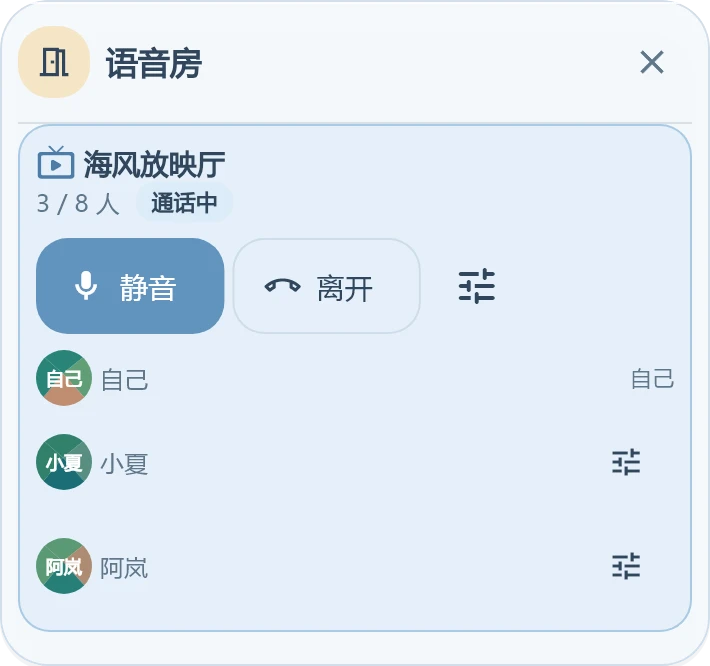
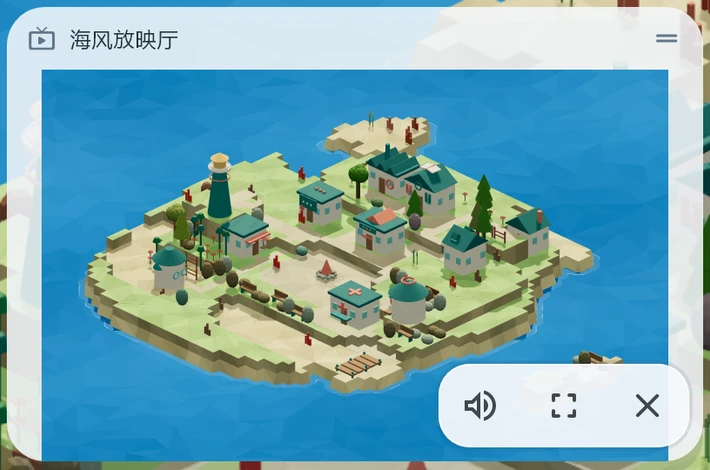
Shared sound and voice have separate controls. Closing the picture keeps you in the call.
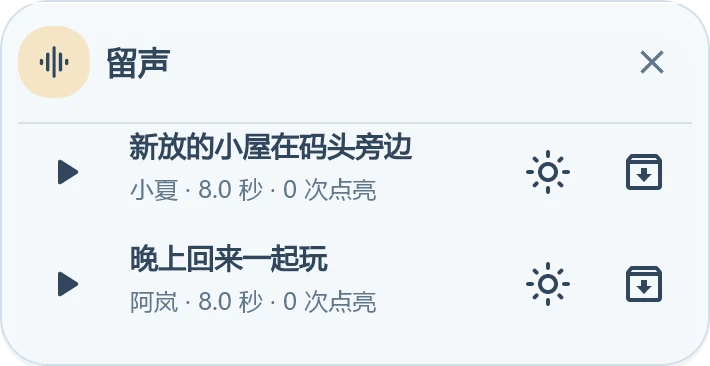
Record a voice bubble on the island. Friends can play it when they return.
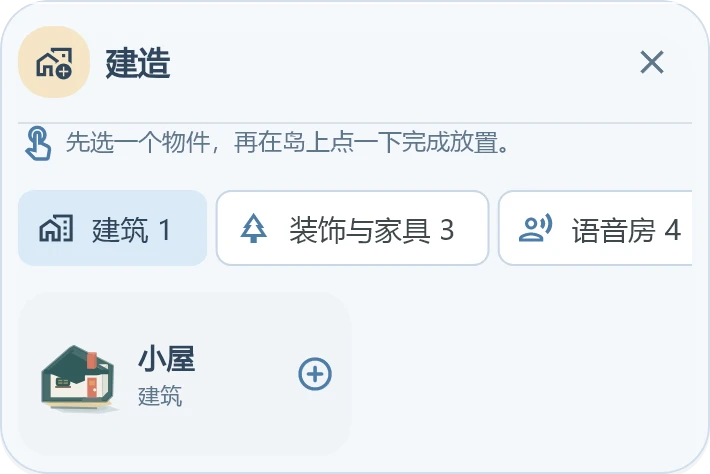
Owners and admins can arrange buildings and decorations, or preview a new layout with AI ideas.
Review the preview, then choose what to save.
Share your island link. Your friend signs in, confirms the visit, and joins you. Their own island stays theirs.
Use the same account on Windows, Android and the web.
Checking the latest packages…
Windows 10/11 · complete 64-bit installer
c36ad386fd86099030fd55335b7430ccc85d7099670feaa2fb272e80abb41c05Release-signed universal APK
b06317e72008c045c1c53e206900065d0323c97755cbad9c8a6a340aedeb99d3Use the web appNo install required. Sign in and enter your island.
A shared online island for friends. Talk in voice rooms, watch screen shares in a screening room, and leave voice notes. Island owners and admins can arrange buildings and decorations.
Yes. Join a screening room voice call, then choose to watch. Shared sound and voice have separate controls, and leaving the screen share keeps you in the call.
Supported mobile browsers and the Android client can watch. Share from Windows or a desktop browser with screen capture support. Availability depends on your device and network.
Run the versioned Windows installer and choose a location. Existing installations keep their original location; supported versions also offer updates inside the app.
The Closed Beta installer does not yet have a commercial code-signing certificate. Download only from downloads.echobay.club and verify its SHA-256 if needed.
After downloading, Android may ask you to allow installs from your browser. EchoBay never asks you to disable device security and is not distributed through third-party download sites.
Yes. Open the web app in a supported desktop or mobile browser. Your browser will request microphone access the first time you join voice.
Open their share link or enter the short code, preview the island, and confirm the visit. This does not replace your home island.
